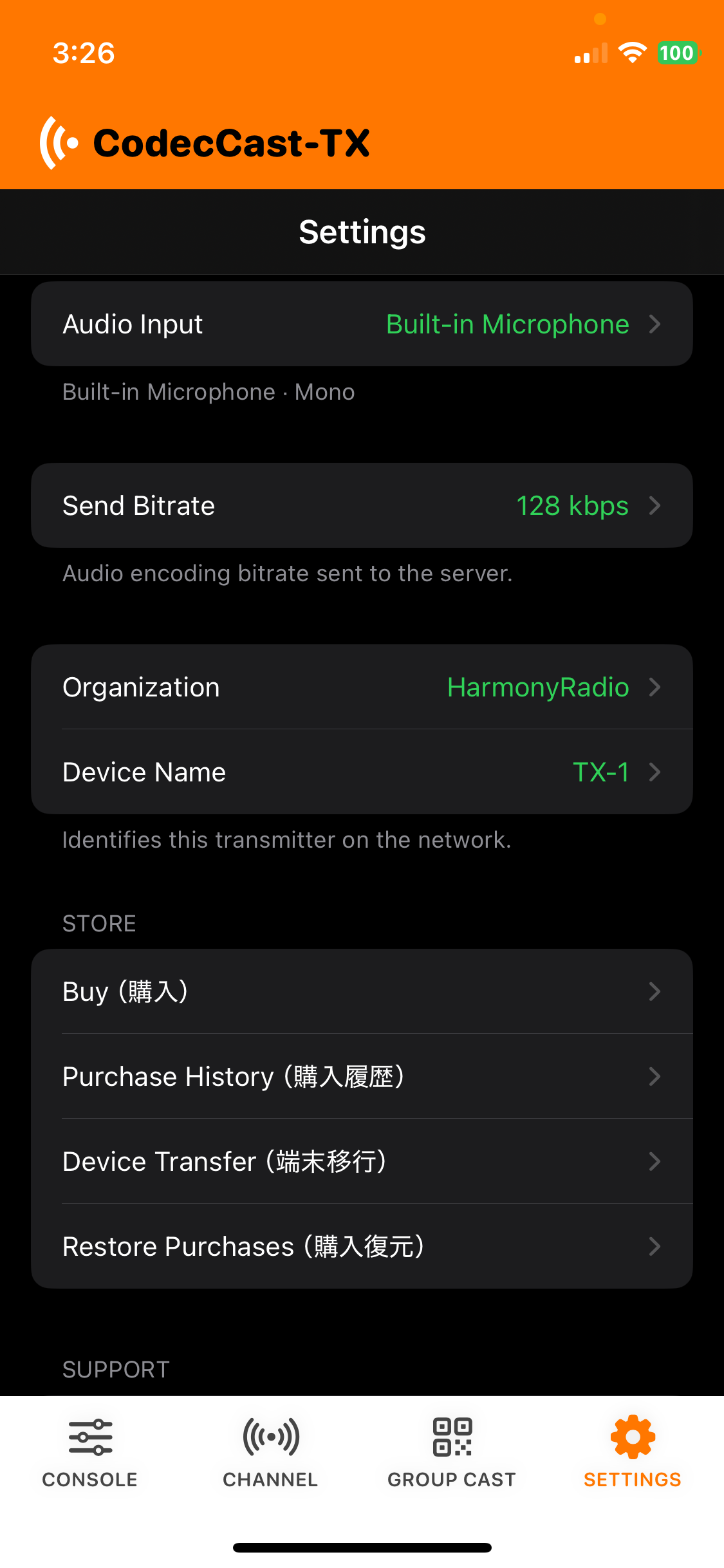
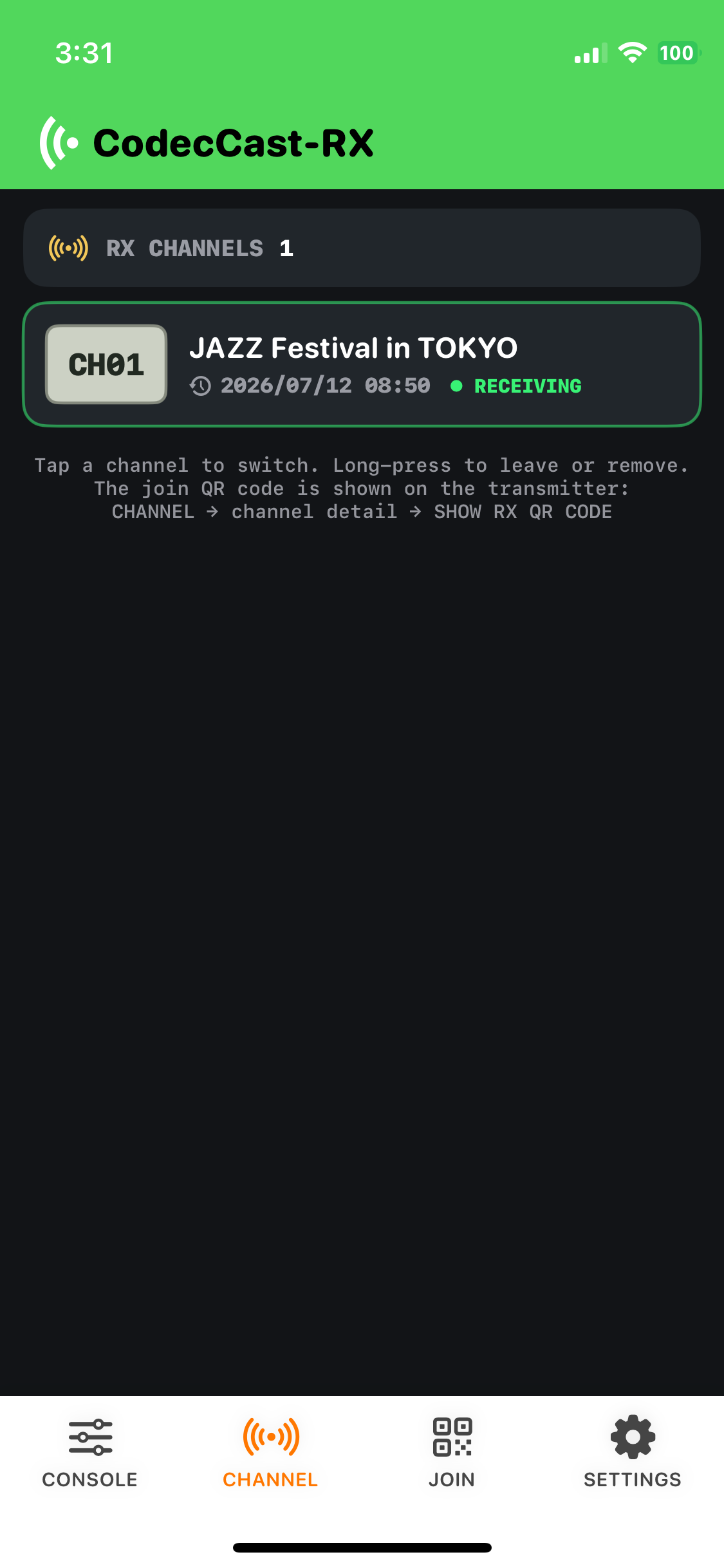
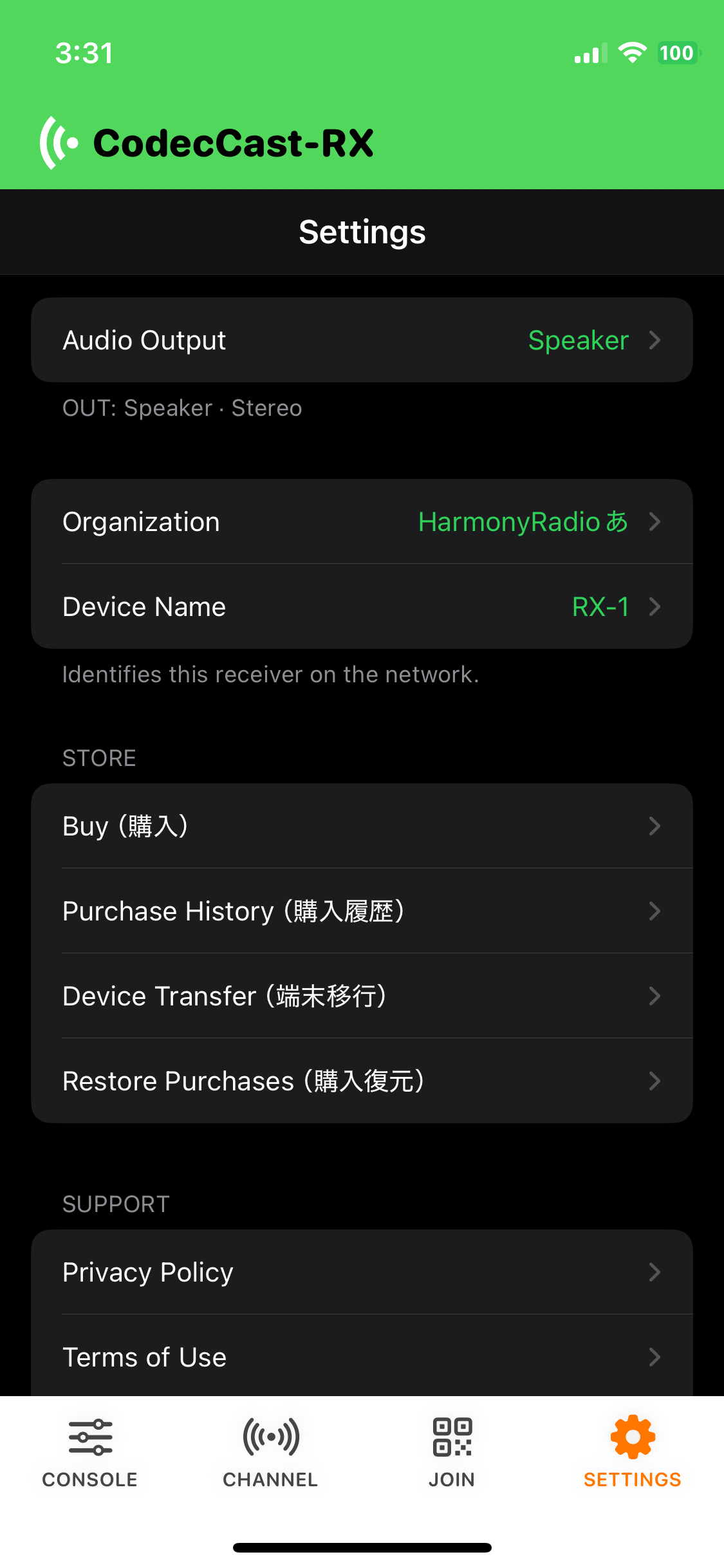
Common questions about connections and audio input.
Q. What connections can I use?
A. A fiber connection via a USB/Lightning wired Ethernet adapter gives the best results. If fiber is not available, cellular data, Wi-Fi, and Starlink are also supported.
Q. Can I feed audio from a mixer?
A. USB audio interfaces and mixers with built-in USB audio I/O are supported. Bluetooth audio interfaces can also be used for simple setups, but keep in mind they may be less stable due to dropouts and connection issues.
Q. Can I use AirPods?
A. AirPods are supported, but their microphone is limited to 24 kHz sampling, which reduces audio quality. For best results, use AirPods as ear monitors only and rely on the built-in microphone on your device, which stays at 48 kHz sampling for high-quality audio.
Q. Which iOS versions are supported?
A. The apps can be installed on iPhone and iPad running iOS 16 or later. I use an iPhone 12 mini (iOS 18) and a first-generation iPad Pro (iOS 16) without issues for both TX and RX. iOS 15 and earlier have significantly different audio specifications and lack the stability we require, so we set iOS 16 as the minimum for development.
Q. Can I install both TX and RX on one iPhone and use them at the same time?
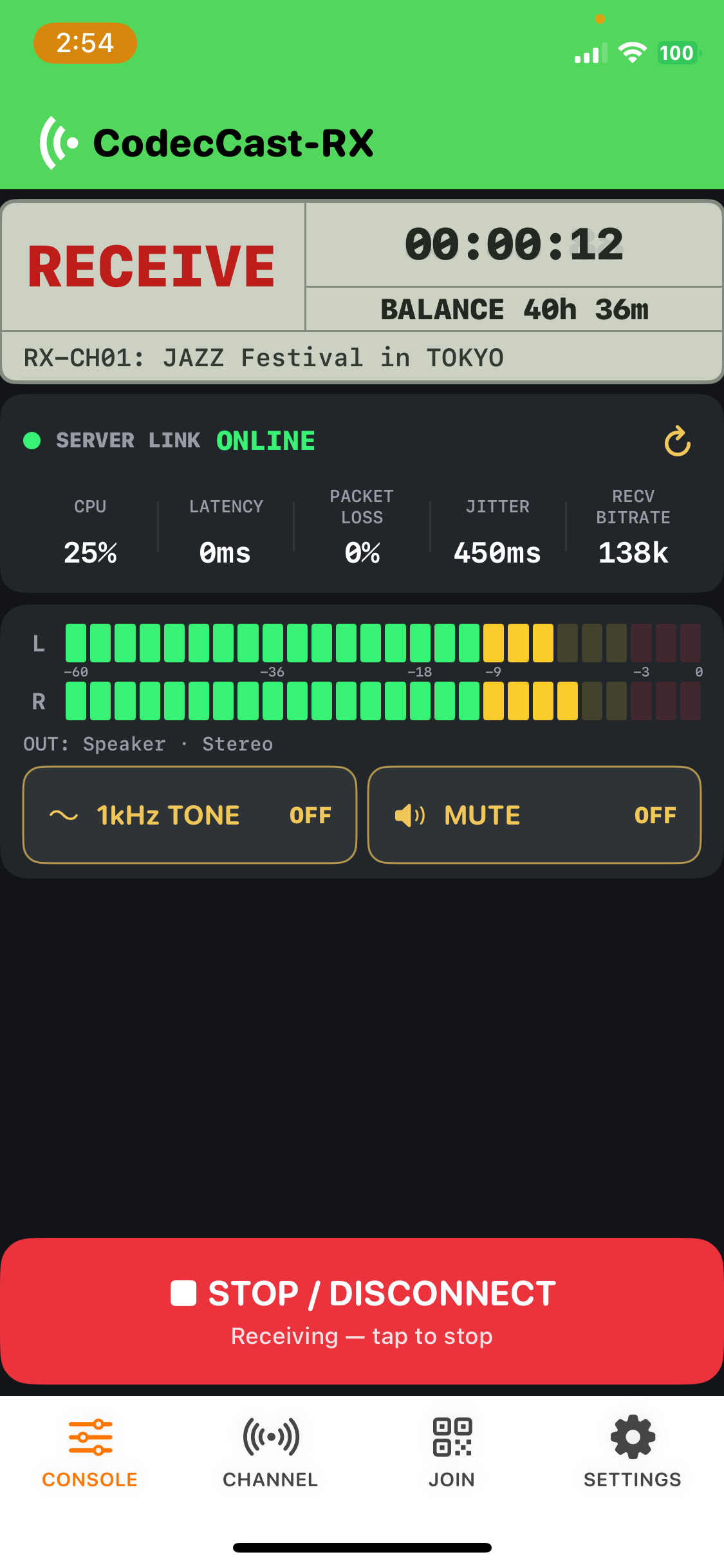
A. Yes — both apps can be installed and used on a single device. For example, you can transmit audio from the field with TX while receiving a studio mix-minus feed on the same iPhone. However, running both apps simultaneously is demanding on the device. For stable relay work, we recommend using two devices — one for TX and one for RX. If you do need to run both at once, use a recent Pro-model iPhone or iPad.
Q. Will there be an Android version?
A. We currently have no plans to release an Android version. Android devices vary widely in specs and manufacturers, and verifying stable send/receive performance on every model would not be cost-effective. We focus on delivering the highest quality at a fair price, so CodecCast is available for iPhone and iPad only. We take the same approach for Windows PCs.
Q. TX can select and play music — how does that work?
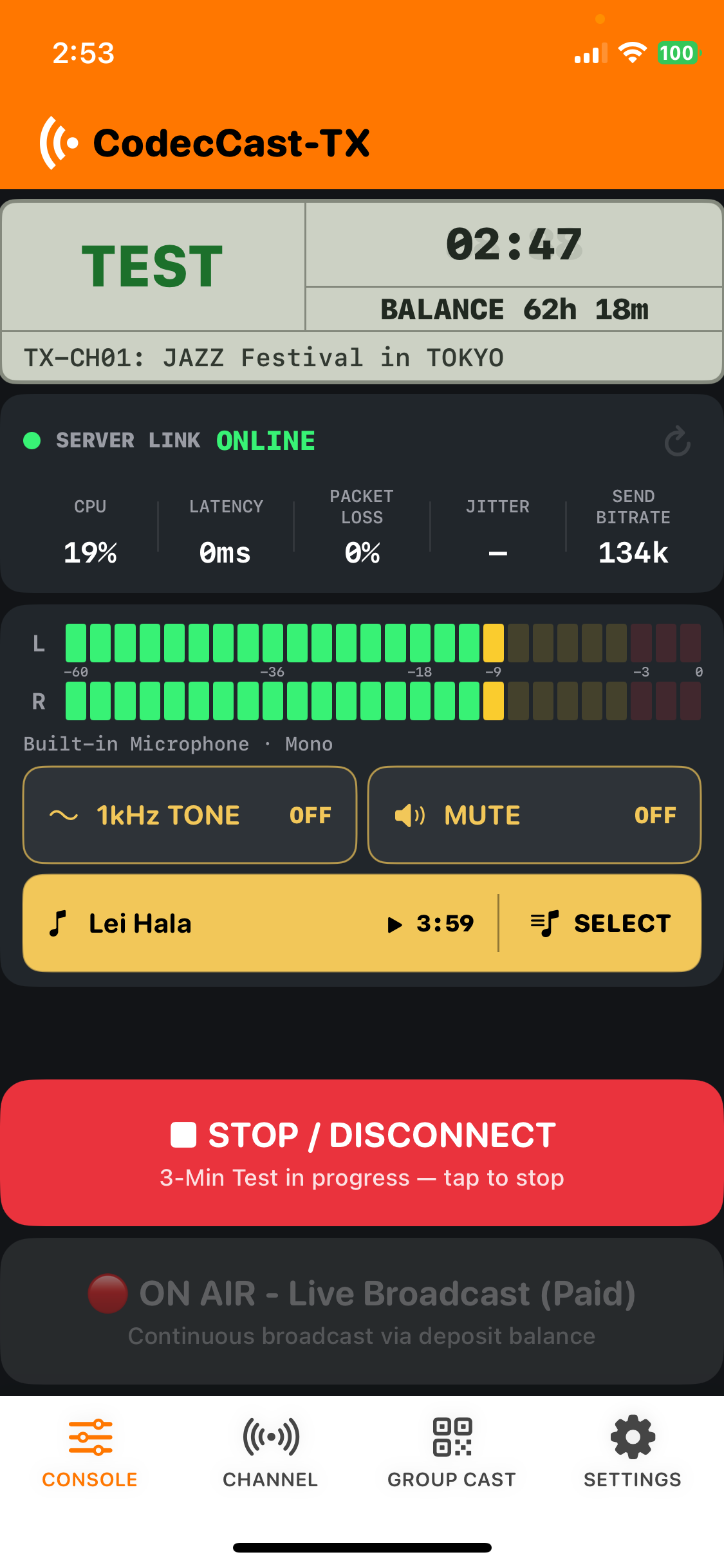
A. Use it to play emergency backup music right away, adjust levels during a test broadcast, or add music during a simple relay session. Only tracks registered in the Music app that are downloaded to your device can be played — songs stored only in the cloud cannot be selected. For transmission stability, only locally stored files are supported. While music is playing, microphone audio is not mixed in — only the music is sent. It cannot be used as background music (BGM) alongside other audio. When you stop playback mid-track with the stop button, a 2-second fade-out always runs before the track ends.
Q. How does pricing work?
A. The apps are free to install. For both TX and RX, you purchase deposit credits through the App Store — about $10 per 10 hours of use. Idle time while connected but not on air is not counted. Once you press the ONAIR button and data is being sent or received, your balance is deducted per minute. When the BALANCE display reaches 0h 0m, transmission or reception stops automatically. To continue using the service, purchase more credits from the Purchase section in the SETTINGS menu.
Q. How much latency should I expect?
A. By design, latency is about 0.2–0.3 seconds. Additional delay may occur depending on the route through your cellular carrier, servers, and providers. Over Starlink satellite links, expect roughly an additional 0.5 seconds. When you first open the app and start transmitting, your carrier may search for the best route, which can briefly interrupt audio. We recommend running a test broadcast with the free 3-minute test button to establish a stable link on the best path before going live.
Q. Can audio drop out due to packet loss?
A. If data simply cannot get through, audio may cut out momentarily. However, CodecCast includes a feature that never gives up: AI analyzes the audio before and after missing packets, instantly determines what the speech or music should have been, and generates replacement audio to splice in — so listeners can continue the relay without noticeable disruption. During this analysis, the system may subtly stretch the timeline in the background to buy time, but it is engineered to be imperceptible to listeners.
Q. How is CodecCast different from hardware codecs?
A. I spent many years relaying live events with hardware codecs over ISDN lines. The biggest reason we built CodecCast was that ISDN is no longer available, and arranging fiber — installation, teardown after just a few days, the complexity, and rising costs — made casual live relays much harder than before. Hardware IP codecs also require a large upfront investment; they can work well as an STL replacement, but as far as I know, nothing affordable existed that could handle everything from a simple single-mic relay to a decent stage relay without setup hassle, while reliably delivering high-quality audio. After researching whether I could build the features and quality I actually wanted to use in the field — having spent my career developing systems for clients — I decided to create CodecCast myself. Now maybe you can convert your OB van into a camper with a bathroom and sleep on site… If you take on that challenge, we would love to hear from you!
Q. What is GROUP CAST used for in practice?
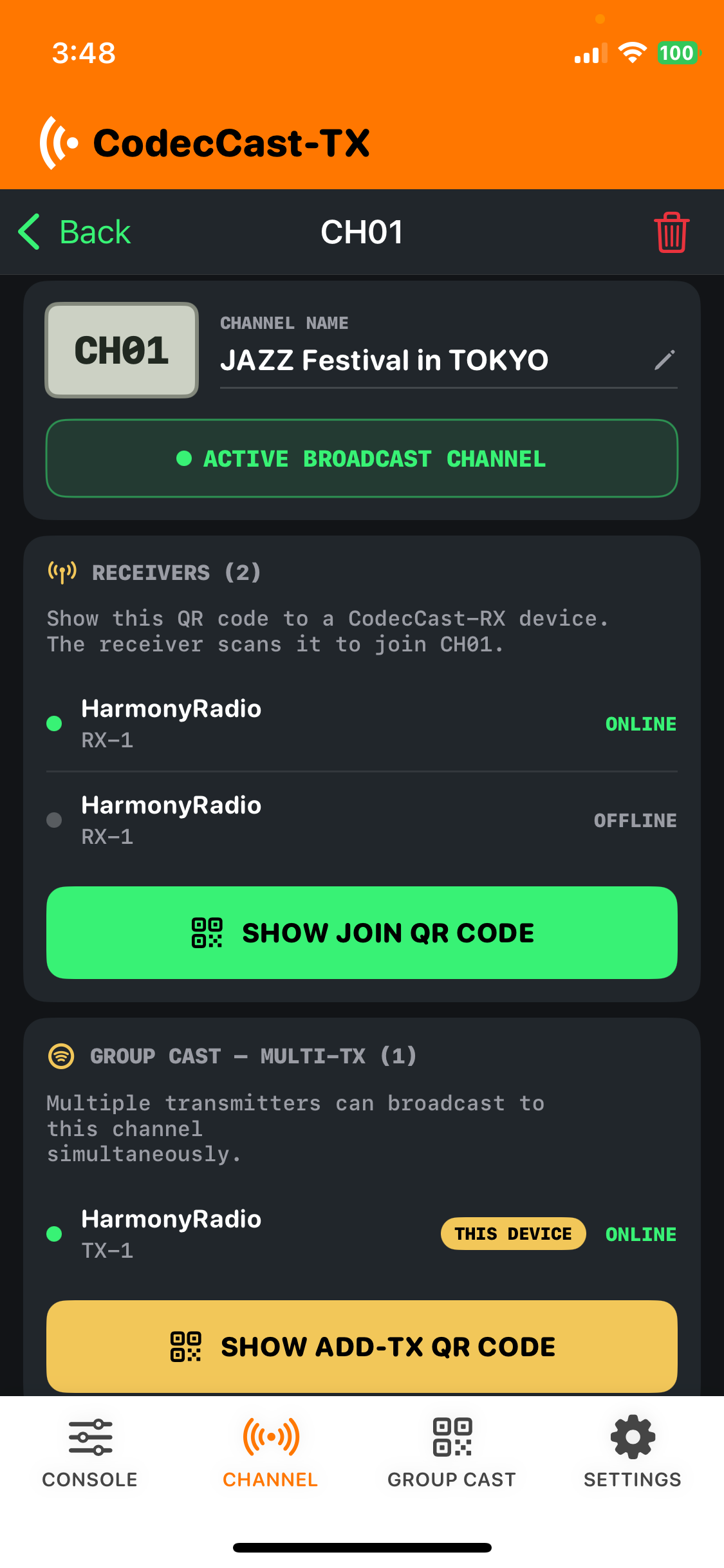
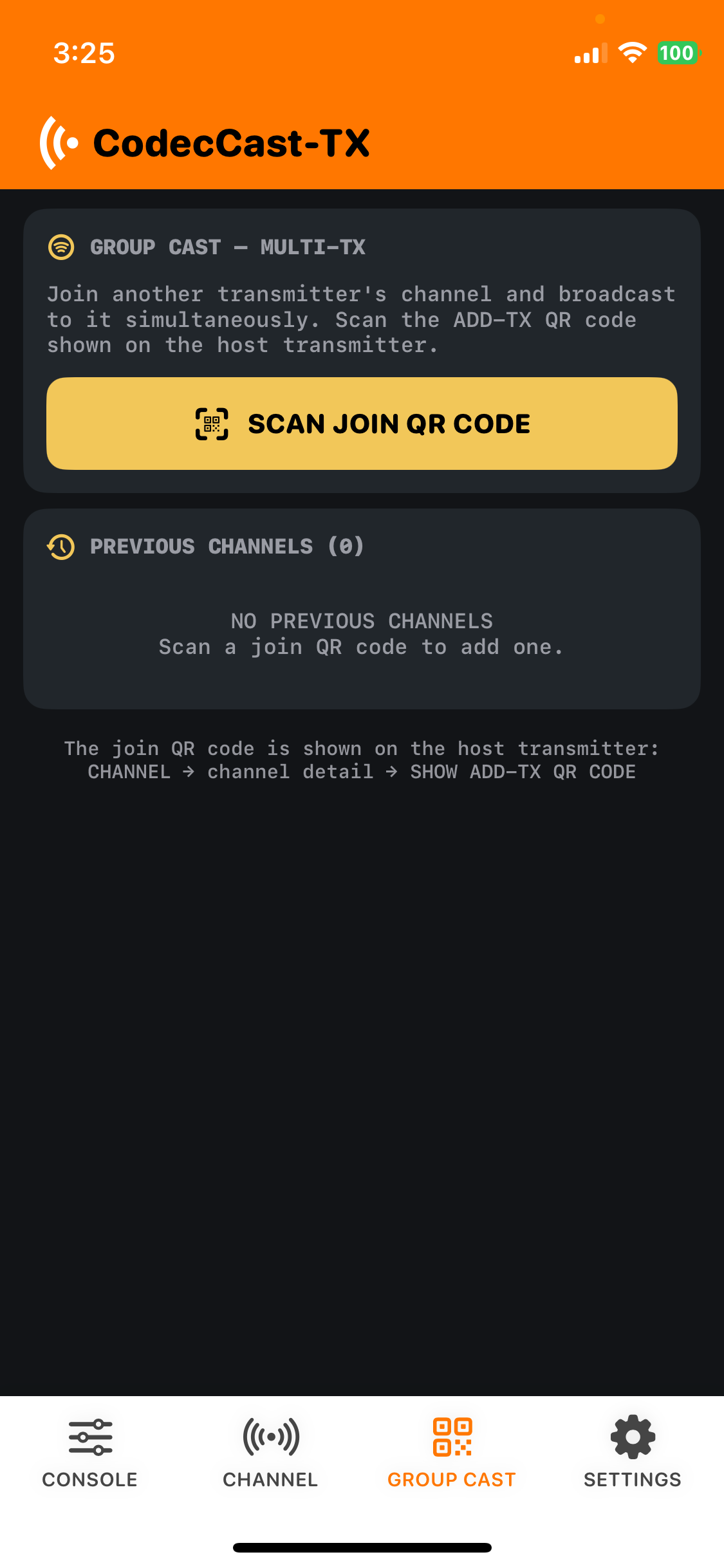
A. This is something hardware codecs cannot do: the server mixes audio from relay point A and relay point B and sends the combined feed to the studio. At a marathon, you can transmit the start-line crew and the finish-line crew to the studio at the same time. With mix-minus routing, crews at relay points and the studio can talk to each other. You can also run TX unit 1 over cellular and TX unit 2 over Starlink with the same audio — if cellular has problems, mute that feed, unmute Starlink, and continue the relay as a hot standby. For street reporting, two reporters can use their iPhones' built-in mics and send a mixed, high-quality simple relay to the studio. There is currently no limit on how many transmitters can join GROUP CAST.
Q. How do I connect a USB audio interface to a Lightning iPhone/iPad?
A. With a Lightning port, connecting with a Lightning-to-USB cable alone will not work — your iPhone/iPad will not respond. Use Apple's Lightning to USB 3 Camera Adapter to convert to USB first, then connect your interface with a USB cable for audio input and output. Please keep this in mind.
Q. If I distribute a live program to multiple stations, can billing apply only during the on-air window?
A. Yes. Have each receiving station match the transmitter's channel settings and stay in standby. When the transmitter presses ONAIR before the program starts, reception begins automatically on every RX. After the program ends, press STOP — both TX and RX stop counting and return to standby. Idle standby is not billed; only on-air time is charged.
Q. In a PA / sound system setup, can I use an iPhone as a wireless mic in an emergency?
A. Yes — there is some delay, but it works. When a mic system fails, you don't have enough mics, or you need to stand too far away for RF to reach… an iPhone suddenly becomes your wireless mic. If you're used to the kind of delay you get announcing in a baseball stadium, you'll probably find it usable. Who knows — someday everyone might be talking into iPhones instead of wireless mics…